A guide for every place people walk through.
Visitors scan a code and ask a friendly avatar on their phone. It answers from what you wrote: your rooms, your stops, your opening hours.
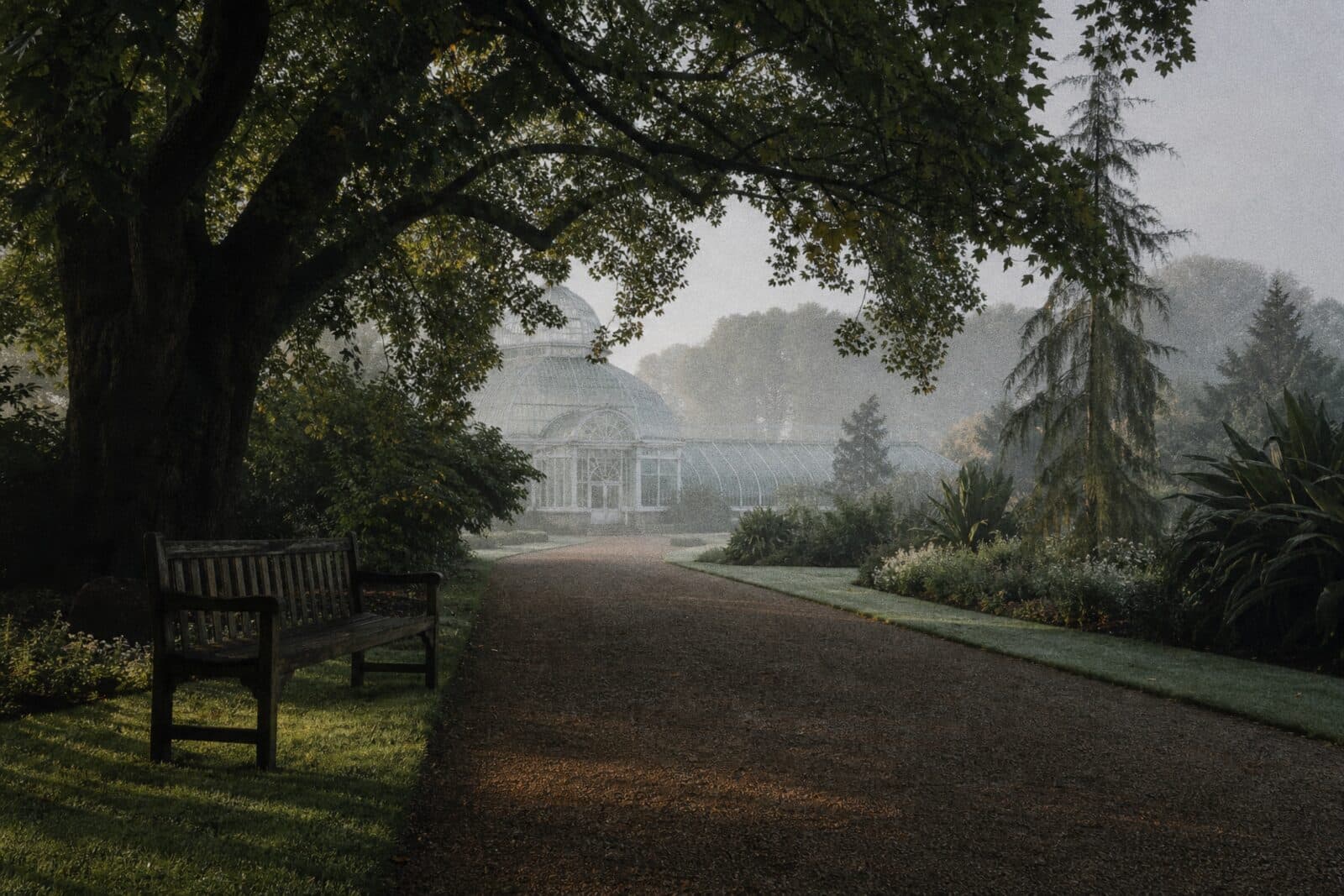
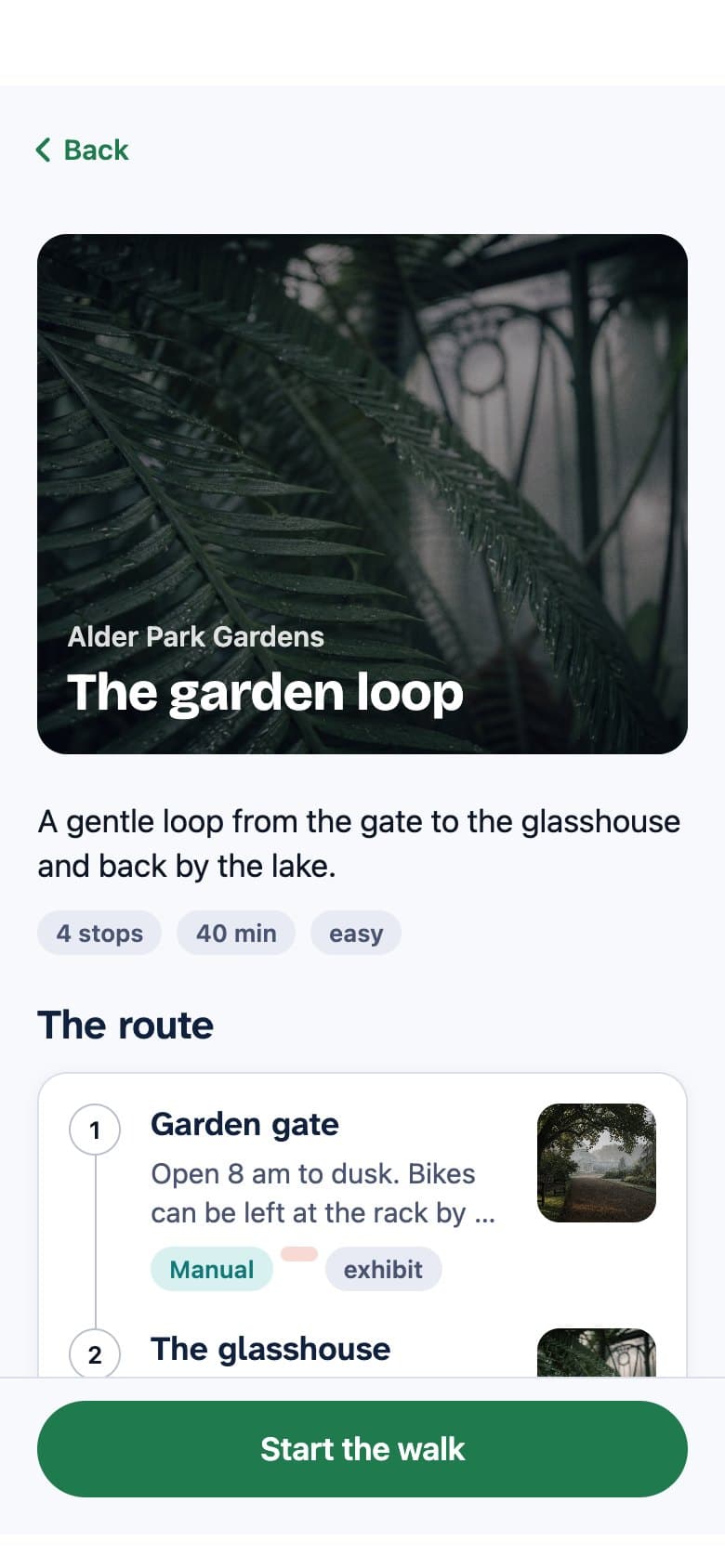
Wherever visitors have questions.
Museums, gardens, hotels, expos, campuses, aquariums, theme parks, cruise ships and city tours. If someone would ask a member of staff where something is, a guide can answer.
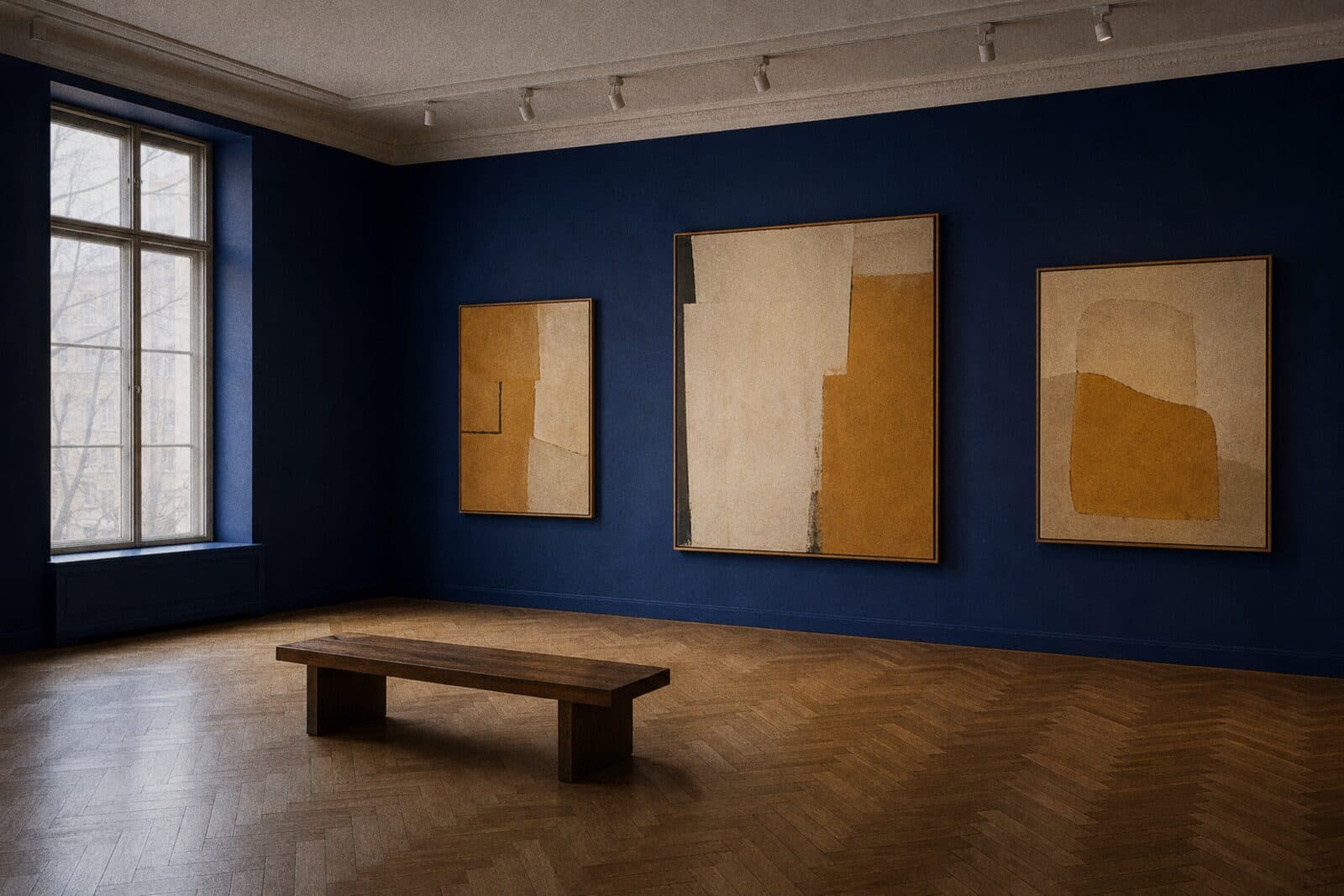
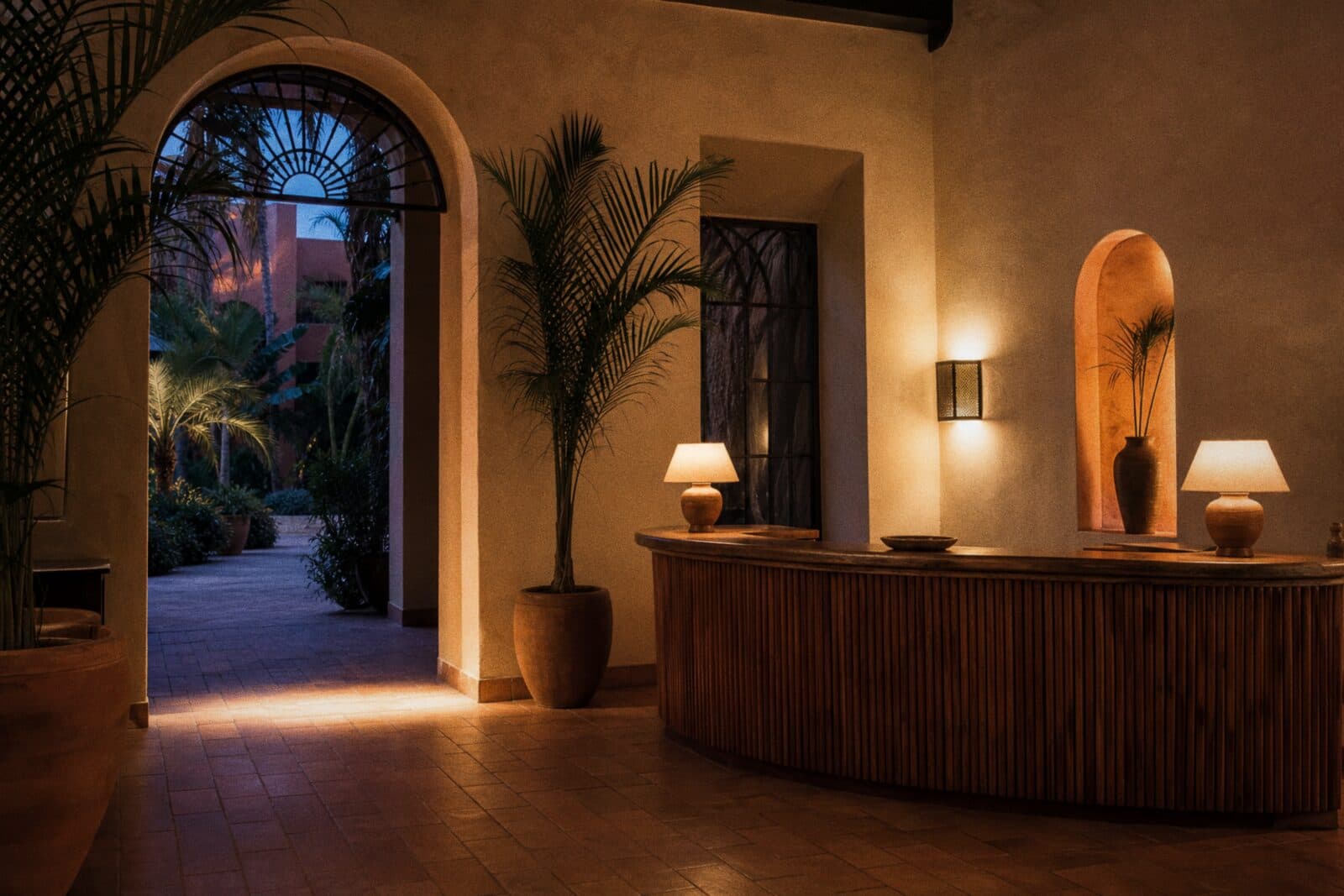


Three taps from the door.
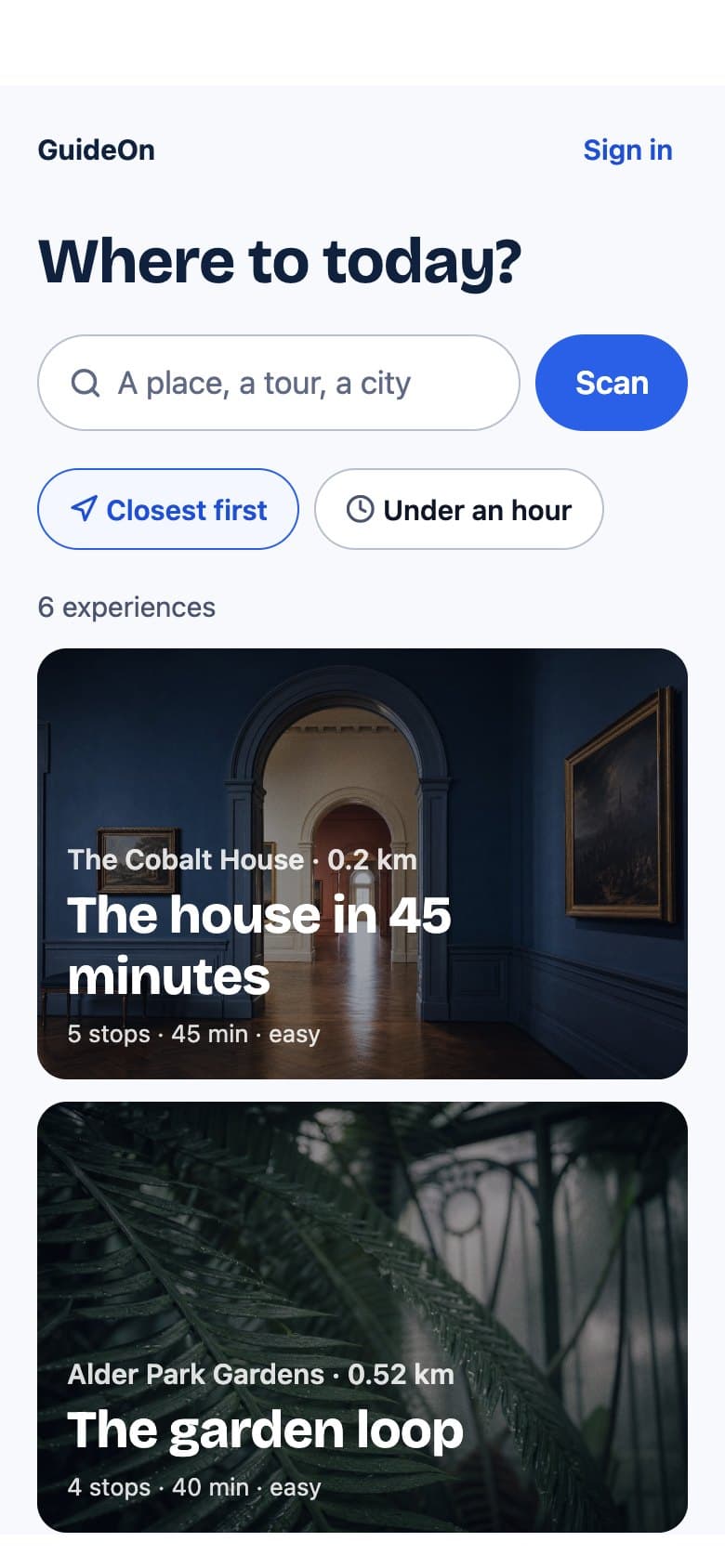
Scan the code at the door
Or search for your venue. No account is needed to look around.

The cafe is open until 5 pm, and the terrace has heaters on cold days.
Ask anything
Out loud or typed. The guide answers from what you wrote, in the visitor's language.
The guide here is an illustration.
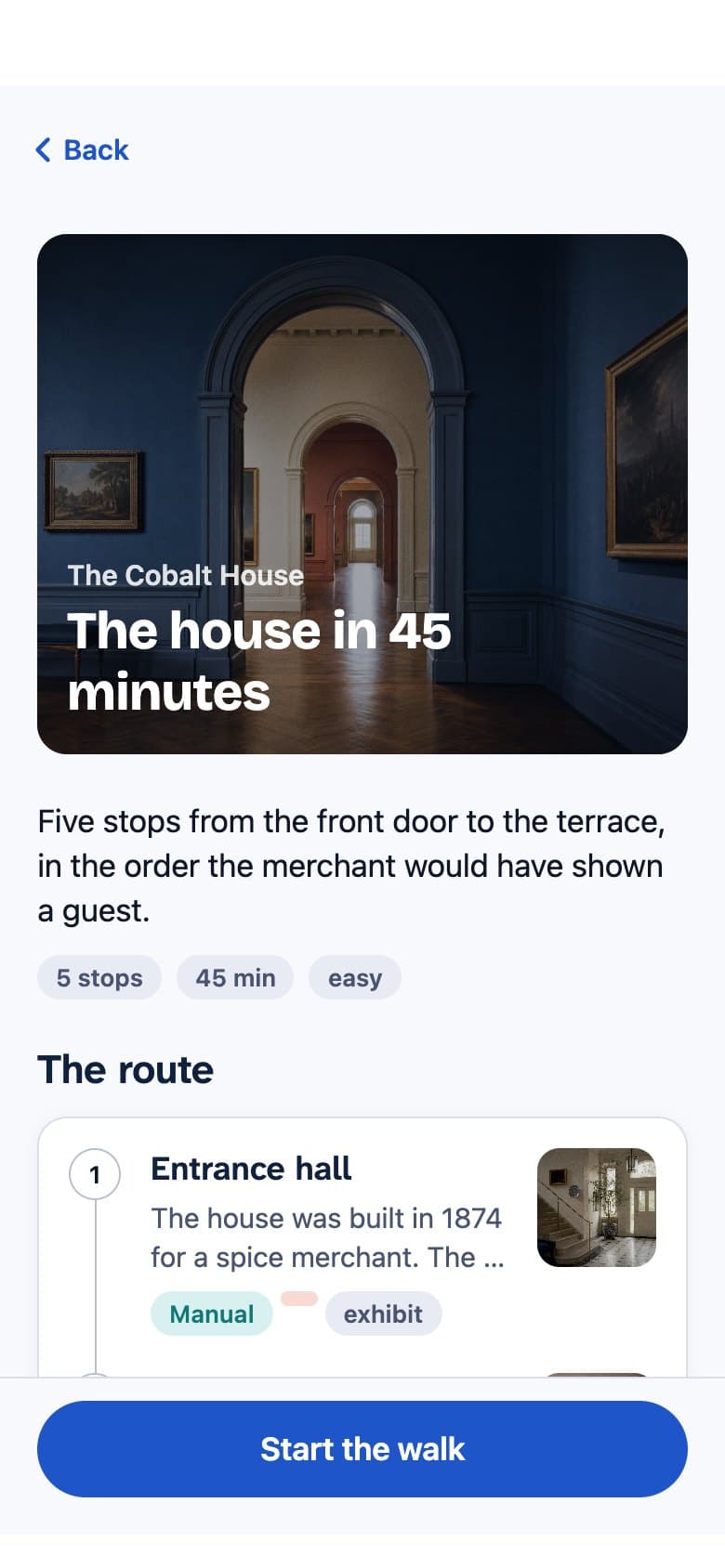
Follow the route
Stop by stop, with the next place always in view. The guide notices when you arrive.
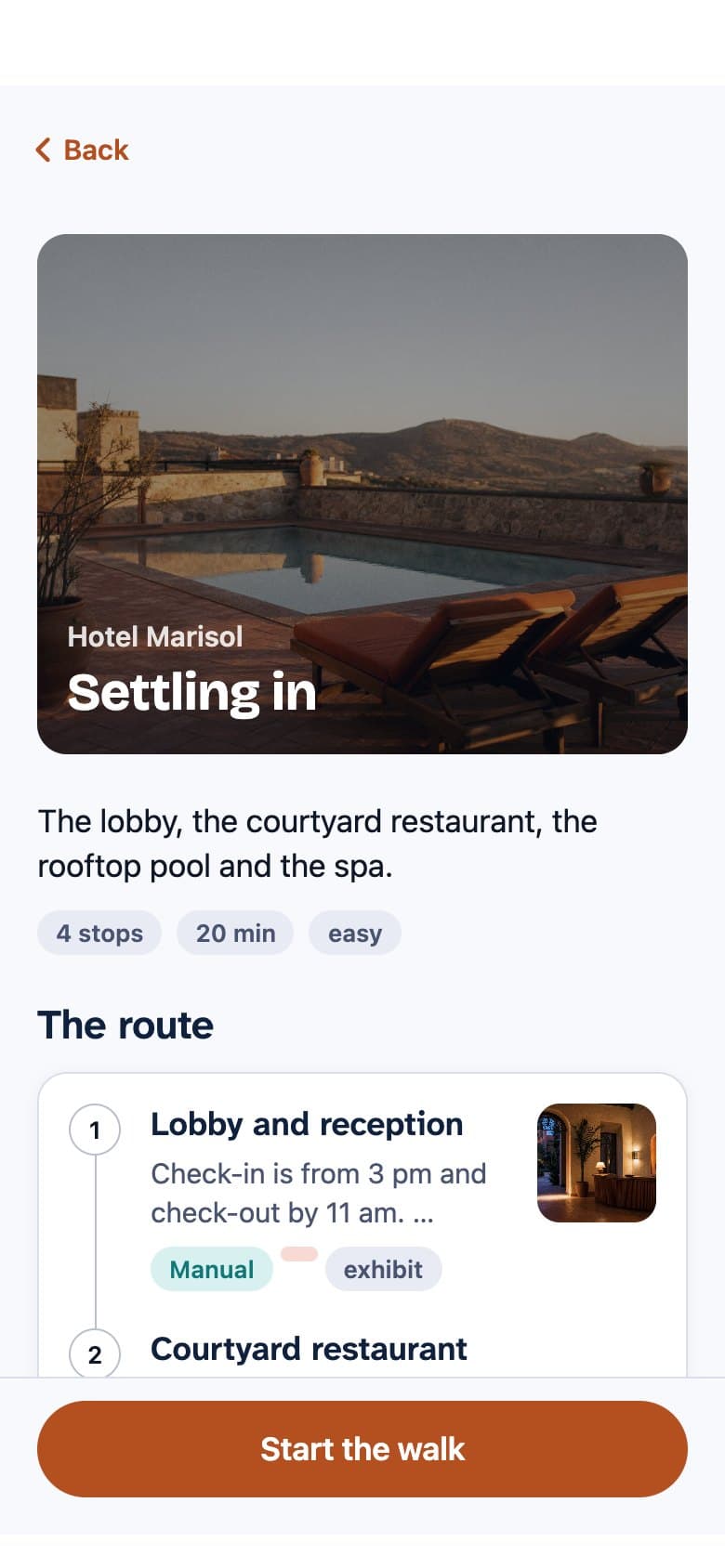
Your colours, your photos.
Each venue picks a brand colour and a cover photo. Buttons, links and focus follow it, and the text on top of it always stays readable.
Set it up from one dashboard.
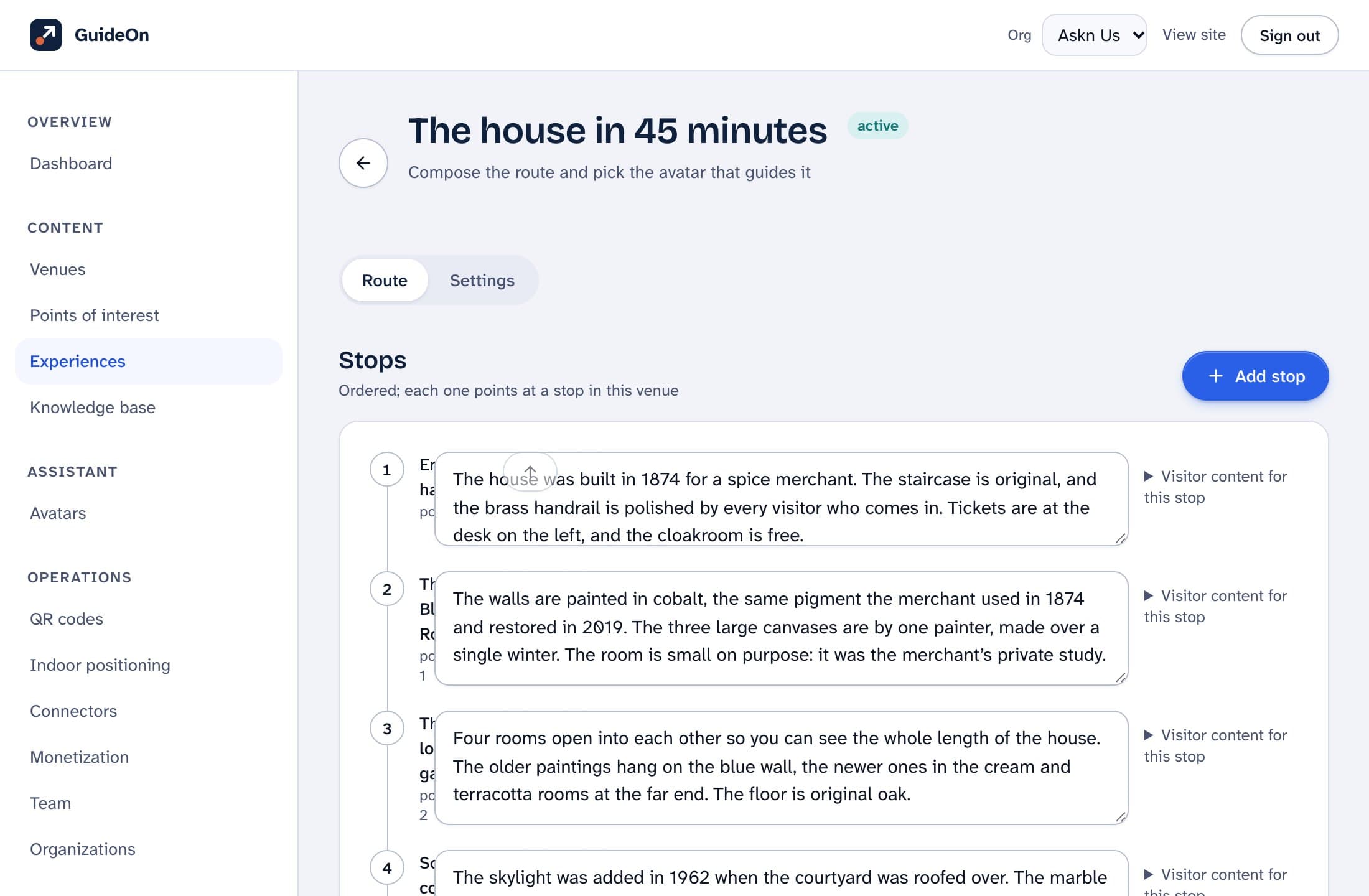
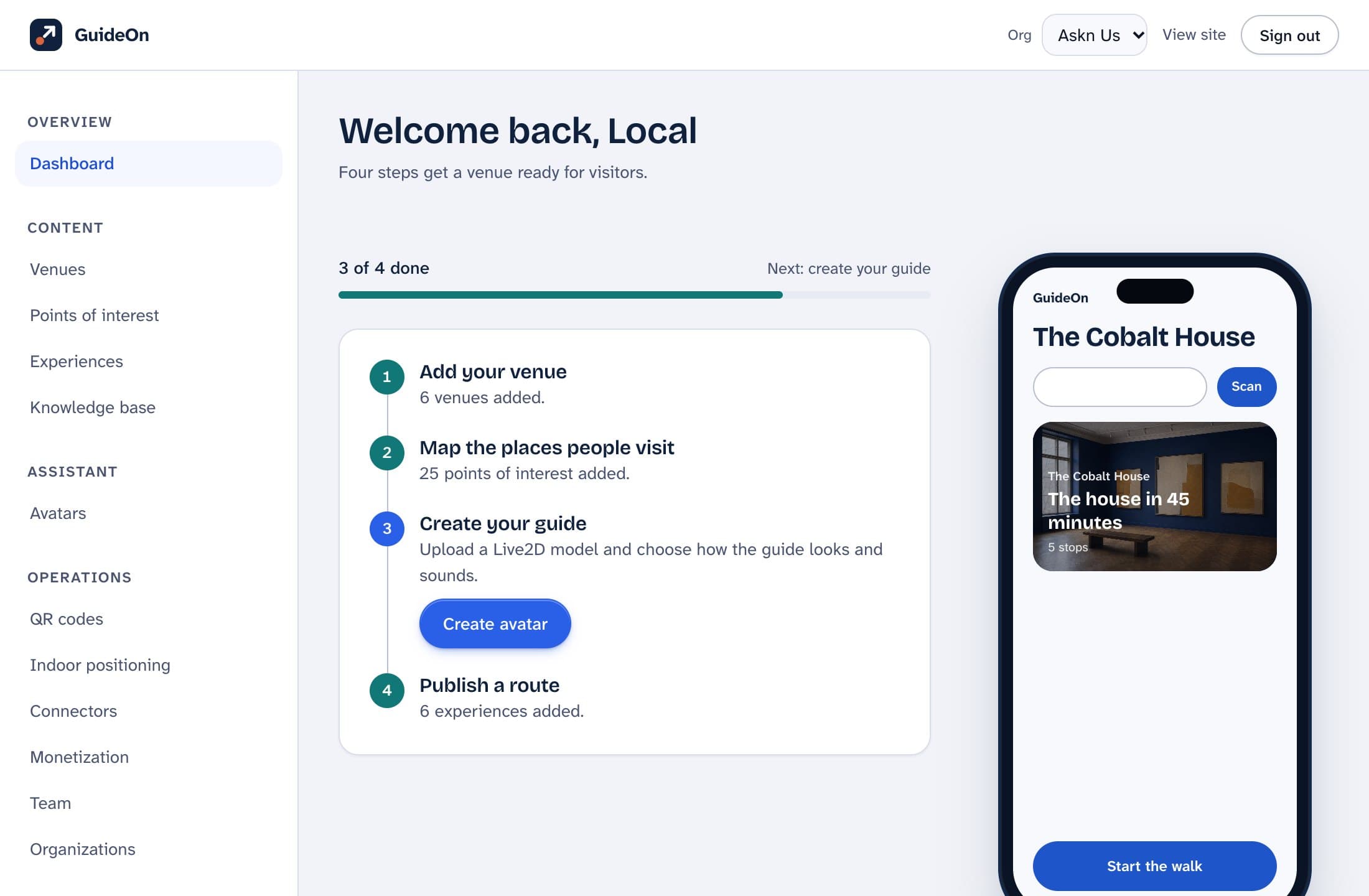
Start from a sample
Pick your kind of place and edit a ready-made route instead of a blank page.
See what visitors see
A live phone preview follows your venue's colour, photo and first route.
Test before you publish
Ask the guide any question in the dashboard and see what it would answer.
Roles for your team
Owners, admins, editors and viewers, enforced on the server.
Before you start.
Where do the guide's answers come from?
From what you add: your stops, routes and knowledge entries. You can try any question in the dashboard before a visitor does.
What do visitors need?
The GuideOn app on their phone. They scan the code at your entrance, or search for your venue, and start a walk.
Which languages does the guide speak?
English, Dutch, German, French, Spanish, Portuguese and Italian today. Pick the primary language for your venue when you set up.
Is it only for museums?
No. Parks, hotels, expos, campuses, aquariums, theme parks, cruise ships and city tours all work the same way: a place, some stops, and a guide that knows them.
Can I start without writing everything first?
Yes. Start from a sample route for your kind of place, then replace the text with your own. Samples are drafts, so visitors never see them until you publish.